🚀 CI/CD Pipeline: Cara Biar Deploy Nggak Deg-deg-an
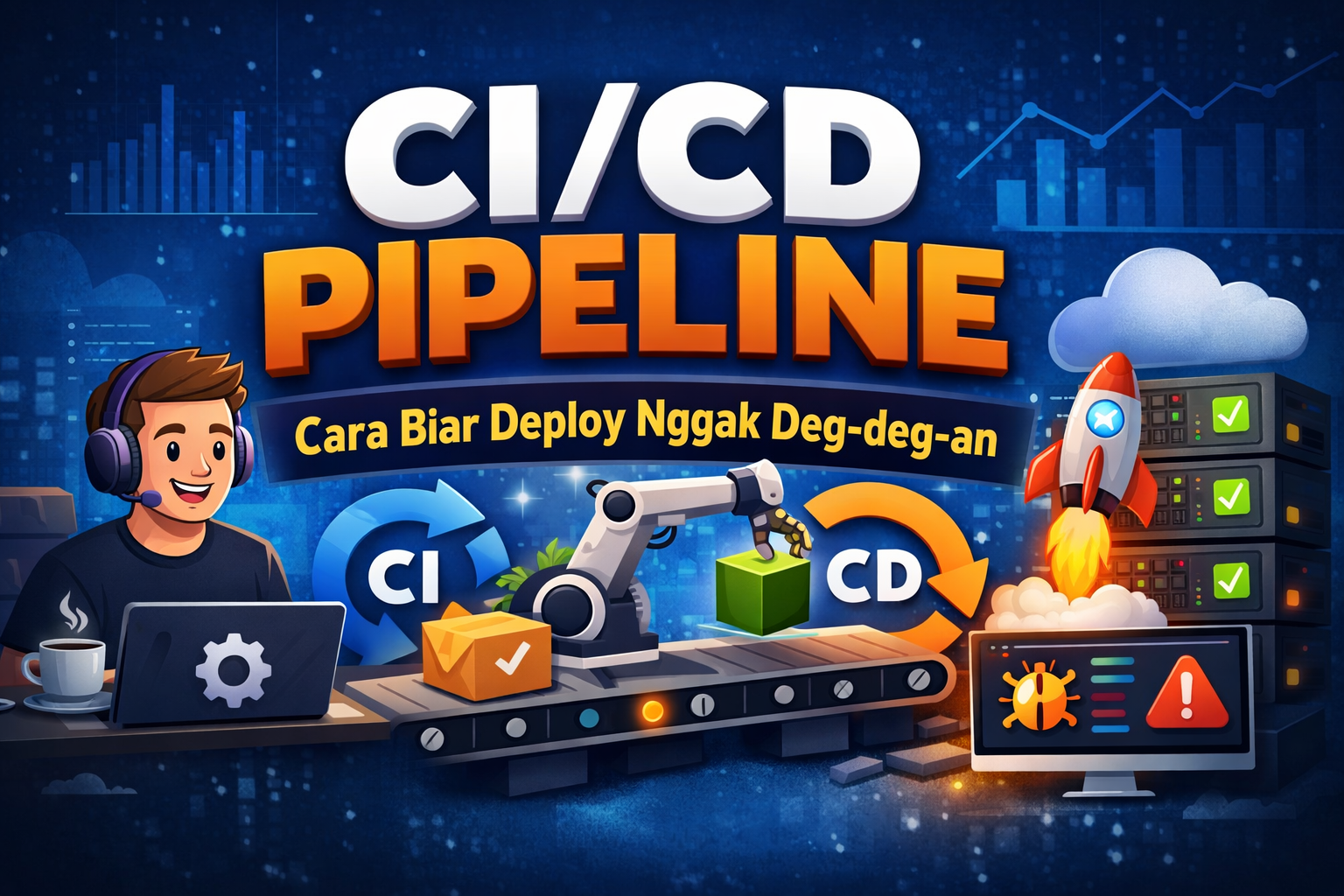
Halo para developer! Pernah nggak sih deploy aplikasi sambil dag-dig-dug takut errornya? Atau pas deploy tiba-tiba ada bug yang nggak ketahuan? Nah, CI/CD Pipeline adalah jawabannya! Mari kita bahas gimana caranya deploy aplikasi dengan lebih aman dan otomatis. 🔥
📚 Daftar Isi
- 🤔 Apa Itu CI/CD?
- 🎯 Kenapa Harus Pakai CI/CD?
- ⚙️ Komponen CI/CD Pipeline
- 🐙 GitHub Actions: CI/CD untuk GitHub
- 🦊 GitLab CI: CI/CD dari GitLab
- 🔄 Jenkins: Si Klasik yang Powerful
- 📝 Best Practices CI/CD
- 🙌 Penutup
🤔 Apa Itu CI/CD?
CI/CD adalah singkatan dari Continuous Integration dan Continuous Deployment/Delivery. Ini adalah praktik modern dalam software development yang bikin proses build, test, dan deploy jadi otomatis.
Continuous Integration (CI)
Proses otomatis untuk merge code dari beberapa developer ke repository utama. Setiap kali ada code baru, sistem akan:
- ✅ Build aplikasi
- ✅ Jalankan automated tests
- ✅ Check code quality
Continuous Deployment/Delivery (CD)
Proses otomatis untuk deploy aplikasi ke production atau staging:
- Continuous Delivery: Code siap deploy, tapi perlu approval manual
- Continuous Deployment: Deploy otomatis ke production tanpa intervensi manual
🎯 Kenapa Harus Pakai CI/CD?
Manfaat menggunakan CI/CD Pipeline:
-
Deploy Lebih Cepat ⚡
- Nggak perlu deploy manual satu-satu
- Otomatis setiap ada update di branch utama
-
Lebih Aman 🛡️
- Automated testing sebelum deploy
- Rollback gampang kalau ada masalah
-
Konsisten 🎯
- Deploy selalu pakai proses yang sama
- Nggak ada "works on my machine" syndrome
-
Hemat Waktu ⏰
- Developer fokus coding, bukan deploy manual
- Bisa deploy berkali-kali dalam sehari
⚙️ Komponen CI/CD Pipeline
Pipeline CI/CD biasanya terdiri dari beberapa stage:
Code → Build → Test → Deploy → Monitor
1. Source/Code 📝
Developer push code ke repository (GitHub, GitLab, Bitbucket)
2. Build 🔨
Compile code, install dependencies, buat artifacts
3. Test 🧪
Jalankan automated tests:
- Unit tests
- Integration tests
- E2E tests
4. Deploy 🚀
Deploy ke environment:
- Development
- Staging
- Production
5. Monitor 📊
Pantau aplikasi setelah deploy, detect issues
🐙 GitHub Actions: CI/CD untuk GitHub
GitHub Actions adalah CI/CD tool yang terintegrasi langsung dengan GitHub. Super mudah dipakai!
Setup GitHub Actions
Buat file .github/workflows/deploy.yml:
name: CI/CD Pipeline

on:
  push:
    branches: [ main ]
  pull_request:
    branches: [ main ]

jobs:
  build-and-test:
    runs-on: ubuntu-latest

    steps:
    - name: Checkout code
      uses: actions/checkout@v3

    - name: Setup Node.js
      uses: actions/setup-node@v3
      with:
        node-version: '18'

    - name: Install dependencies
      run: npm install

    - name: Run tests
      run: npm test

    - name: Build application
      run: npm run build

  deploy:
    needs: build-and-test
    runs-on: ubuntu-latest
    if: github.ref == 'refs/heads/main'

    steps:
    - name: Deploy to production
      run: |
        echo "Deploying to production..."
        # Add your deployment commands here
Fitur GitHub Actions:
- ✅ Free untuk public repos
- ✅ 2,000 menit gratis/bulan untuk private repos
- ✅ Marketplace dengan ribuan actions siap pakai
- ✅ Matrix builds (test di multiple OS/versions)
🦊 GitLab CI: CI/CD dari GitLab
GitLab CI adalah CI/CD tool bawaan GitLab yang powerful dan feature-rich.
Setup GitLab CI
Buat file .gitlab-ci.yml di root project:
stages:
  - build
  - test
  - deploy

variables:
  NODE_VERSION: "18"

before_script:
  - node --version
  - npm install

build:
  stage: build
  script:
    - npm run build
  artifacts:
    paths:
      - dist/
    expire_in: 1 hour

test:
  stage: test
  script:
    - npm run test:unit
    - npm run test:integration
  coverage: '/Coverage: \d+\.\d+%/'

deploy_staging:
  stage: deploy
  script:
    - echo "Deploying to staging..."
    - npm run deploy:staging
  environment:
    name: staging
    url: https://staging.example.com
  only:
    - develop

deploy_production:
  stage: deploy
  script:
    - echo "Deploying to production..."
    - npm run deploy:production
  environment:
    name: production
    url: https://example.com
  only:
    - main
  when: manual
Fitur GitLab CI:
- ✅ Built-in Docker registry
- ✅ Auto DevOps (setup otomatis)
- ✅ Review apps untuk setiap merge request
- ✅ Detailed pipeline visualization
🔄 Jenkins: Si Klasik yang Powerful
Jenkins adalah open-source CI/CD tool yang sudah ada sejak lama. Sangat flexible dan powerful!
Setup Jenkins Pipeline
Buat file Jenkinsfile:
pipeline {
    agent any

    environment {
        NODE_VERSION = '18'
    }

    stages {
        stage('Checkout') {
            steps {
                git branch: 'main',
                    url: 'https://github.com/username/repo.git'
            }
        }

        stage('Install Dependencies') {
            steps {
                sh 'npm install'
            }
        }

        stage('Test') {
            steps {
                sh 'npm test'
            }
        }

        stage('Build') {
            steps {
                sh 'npm run build'
            }
        }

        stage('Deploy') {
            when {
                branch 'main'
            }
            steps {
                sh '''
                    echo "Deploying to production..."
                    npm run deploy
                '''
            }
        }
    }

    post {
        success {
            echo 'Pipeline succeeded! 🎉'
        }
        failure {
            echo 'Pipeline failed! 😢'
        }
    }
}
Kelebihan Jenkins:
- ✅ Open source & gratis
- ✅ 1,800+ plugins tersedia
- ✅ Self-hosted (full control)
- ✅ Distributed builds
📝 Best Practices CI/CD
Beberapa tips untuk implementasi CI/CD yang baik:
1. Keep Pipeline Fast ⚡
- Optimize build time
- Run tests secara parallel
- Cache dependencies
- Skip unnecessary steps
# GitHub Actions - Caching example
- name: Cache node modules
  uses: actions/cache@v3
  with:
    path: node_modules
    key: ${{ runner.os }}-node-${{ hashFiles('**/package-lock.json') }}
2. Fail Fast 🚨
- Run critical tests dulu
- Stop pipeline kalau ada error
- Jangan deploy code yang broken
3. Environment Parity 🌍
- Dev, staging, dan production harus mirip
- Use Docker untuk consistency
- Manage environment variables dengan baik
4. Automated Testing 🧪
- Unit tests (fast, banyak)
- Integration tests (medium)
- E2E tests (slow, critical paths only)
// Contoh struktur testing
test/
  ├── unit/           // 70% coverage
  ├── integration/    // 20% coverage
  └── e2e/           // 10% critical paths
5. Security Scanning 🔒
- Scan dependencies untuk vulnerabilities
- Code security analysis
- Secret detection
# GitHub Actions - Security scan
- name: Run security audit
  run: npm audit --audit-level=high
6. Monitoring & Alerting 📊
- Track deployment metrics
- Setup alerts untuk failures
- Log semua yang penting
7. Rollback Strategy ↩️
- Buat rollback mudah dilakukan
- Keep previous versions
- Blue-green deployment atau canary releases
🙌 Penutup
CI/CD Pipeline adalah game-changer untuk development workflow modern. Dengan setup yang benar:
- ✅ Deploy jadi lebih cepat dan aman
- ✅ Quality code terjaga dengan automated testing
- ✅ Developer bisa fokus ke feature development
- ✅ Nggak perlu deg-deg-an lagi saat deploy! 😎
Pilih Tool yang Sesuai:
🐙 GitHub Actions
- Cocok untuk: Project di GitHub, easy setup
- Kompleksitas: ⭐⭐ (Beginner-friendly)
🦊 GitLab CI
- Cocok untuk: All-in-one DevOps platform
- Kompleksitas: ⭐⭐⭐ (Intermediate)
🔄 Jenkins
- Cocok untuk: Custom setup, enterprise
- Kompleksitas: ⭐⭐⭐⭐ (Advanced)
Mulai dari yang sederhana, improve pelan-pelan. Happy coding dan happy deploying! 🚀
Pro Tip: Mulai dari automated testing dulu, baru setup automated deployment. Testing yang solid adalah fondasi CI/CD yang baik! 💪